 Streemly
Live TV with guide
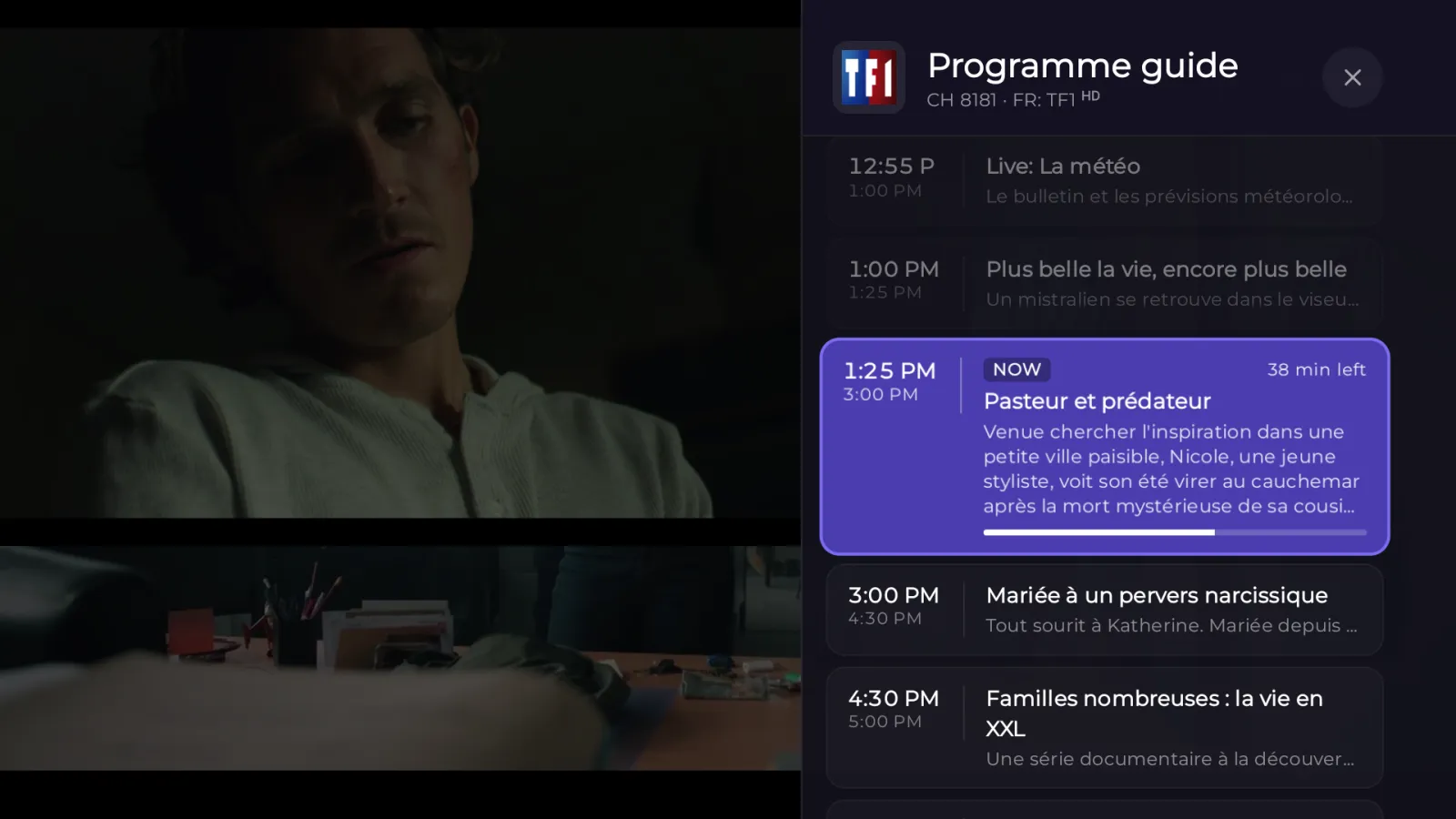
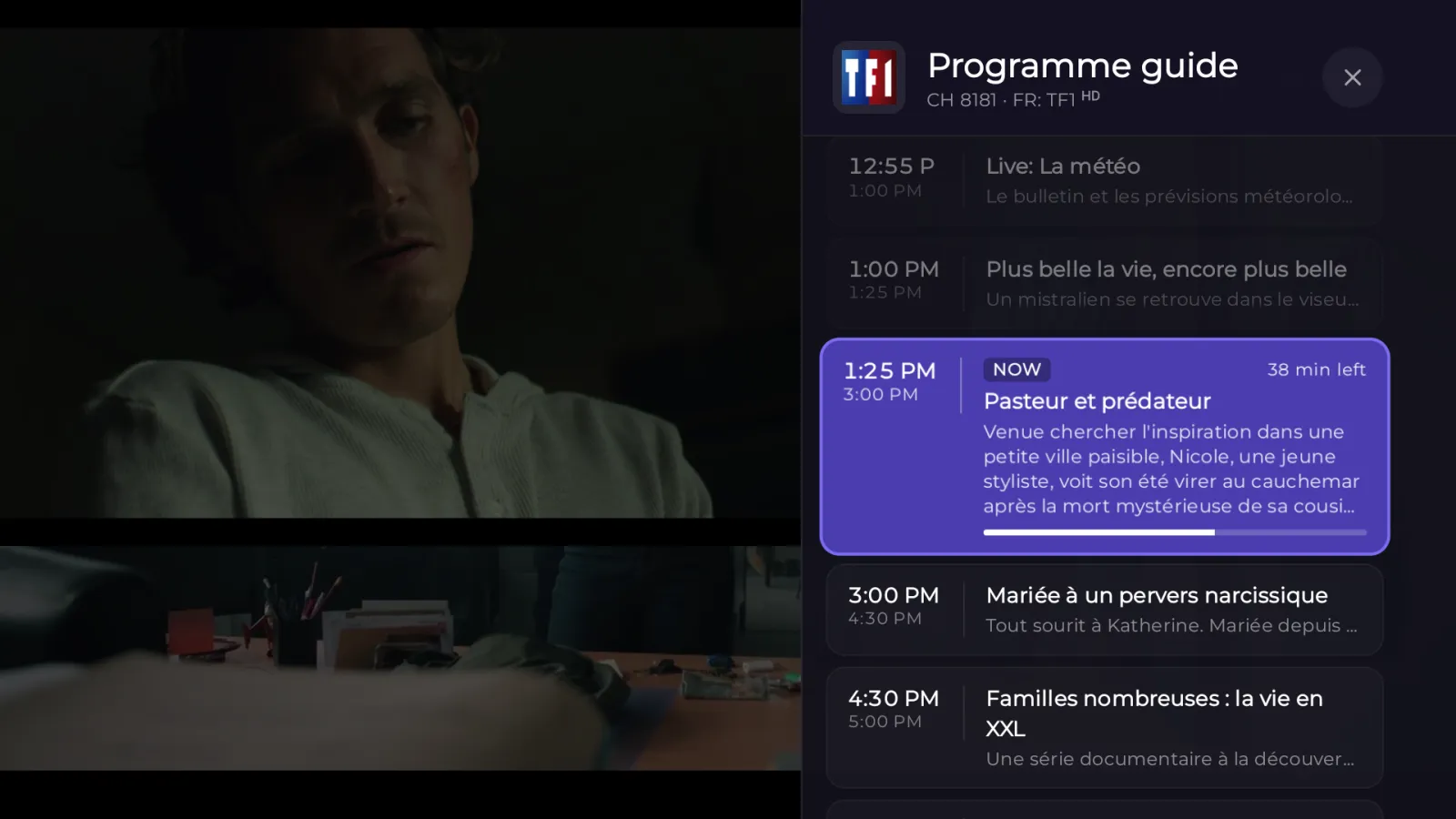
Browse channels by category and see what's on now and next with the built-in EPG.
Streemly is a fast, modern player for your Xtream Codes and M3U subscriptions: live TV with a programme guide, movies and series, on your phone, tablet and Android TV.
Streemly doesn't sell channels. It plays the subscription you already have and organizes it into something you'll enjoy browsing.
Free on Google Play for Android phones, tablets and Android TV.
Sign in with the Xtream Codes details from your IPTV provider, or paste an M3U playlist link.
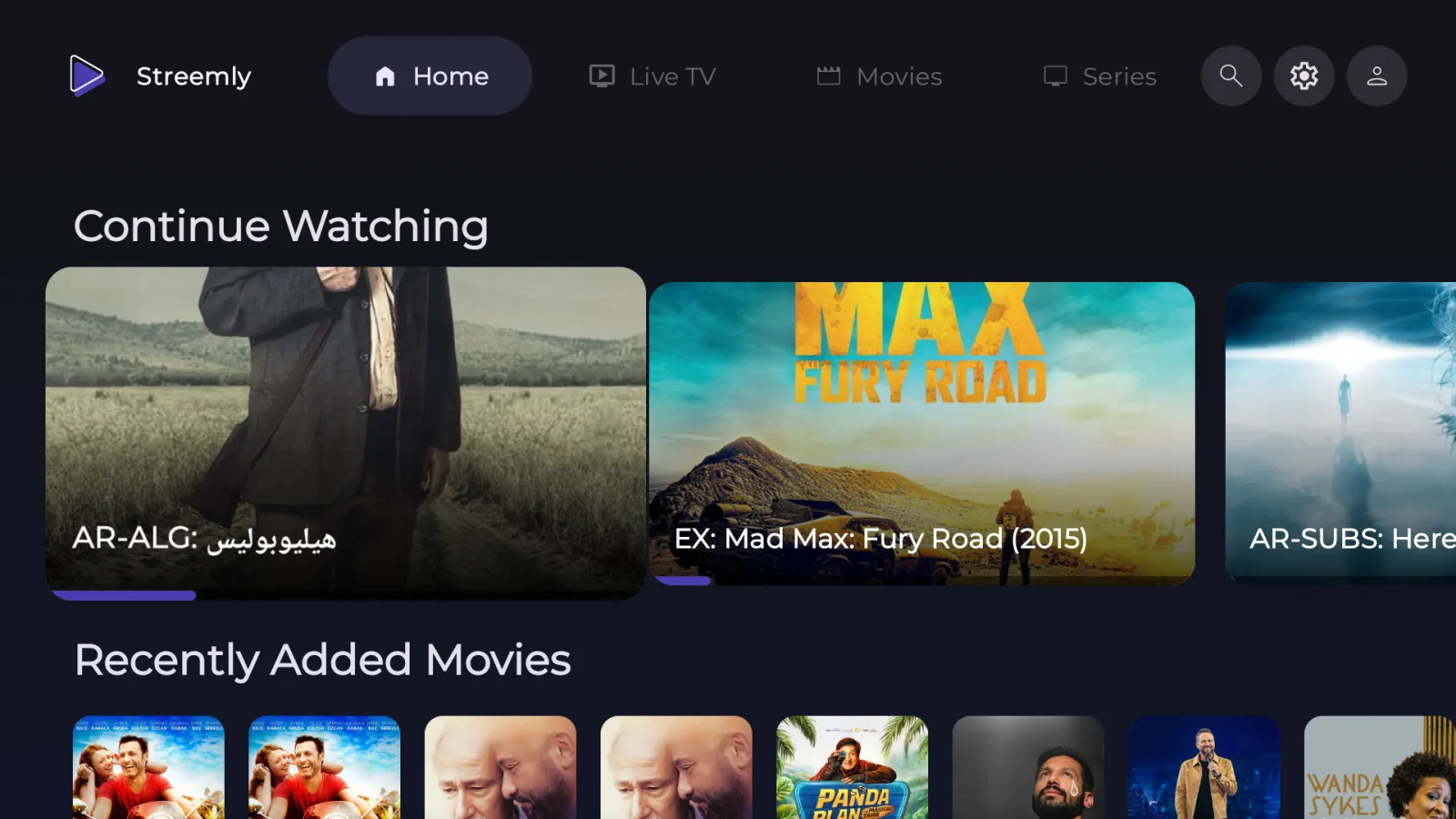
Channels, movies and series are sorted into categories, with artwork and a programme guide.
Browse channels by category and see what's on now and next with the built-in EPG.
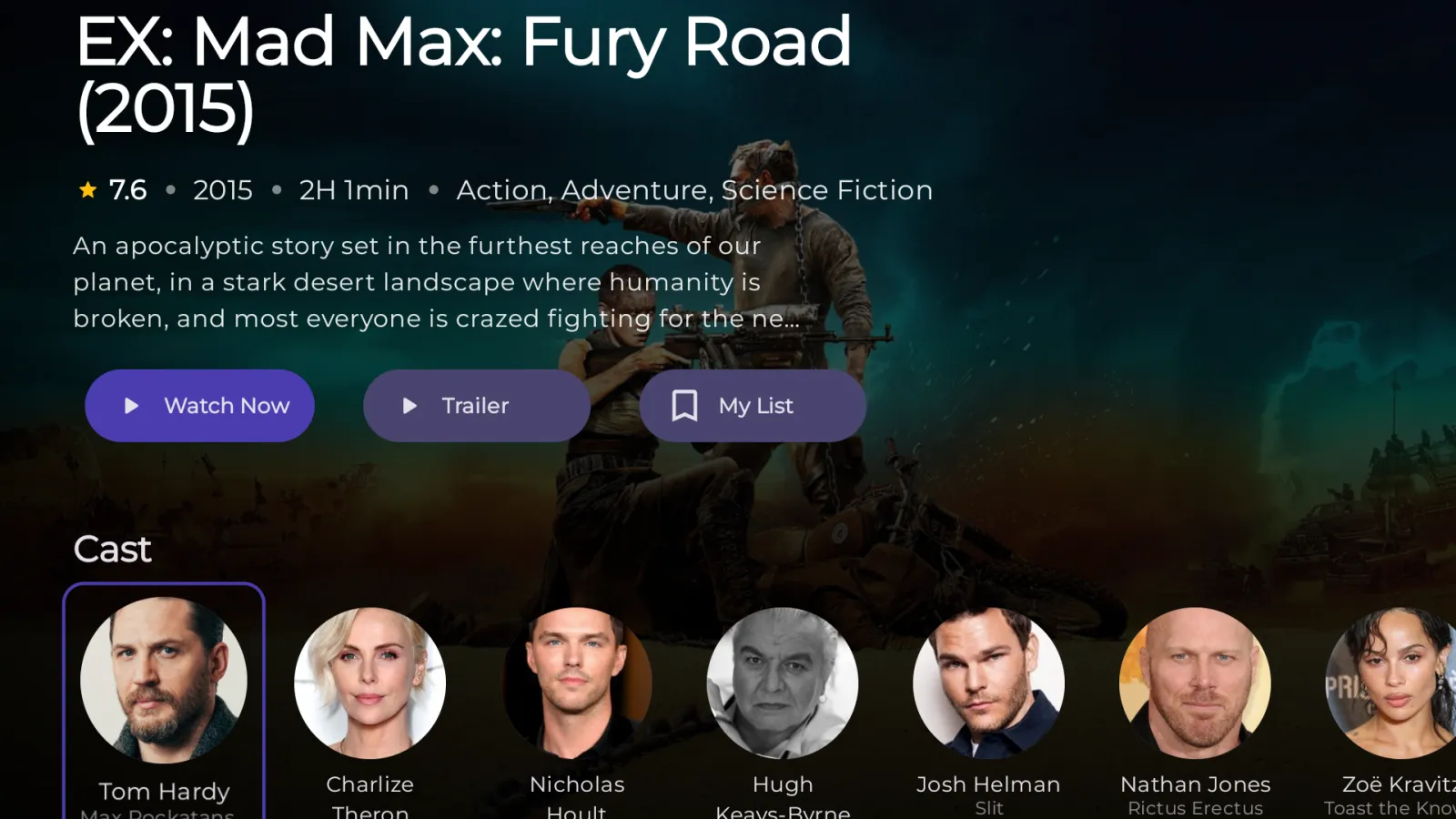
Posters, plots, cast and trailers, with seasons and episodes laid out clearly.
Pick up any movie or episode exactly where you left off.
Keep the channels, movies and shows you love one tap away.
One search across live channels, movies and series.
Add several Xtream Codes accounts and M3U playlists and switch between them.
Choose subtitle size, colour and edge style so they're easy to read on any scene.
Prefer VLC or another player? Open any stream in the app of your choice.
Your library syncs in the background, on a schedule you choose.
English, Arabic, French, Portuguese, Spanish and Turkish, with light and dark themes on mobile.
Swipe through the app on a phone.
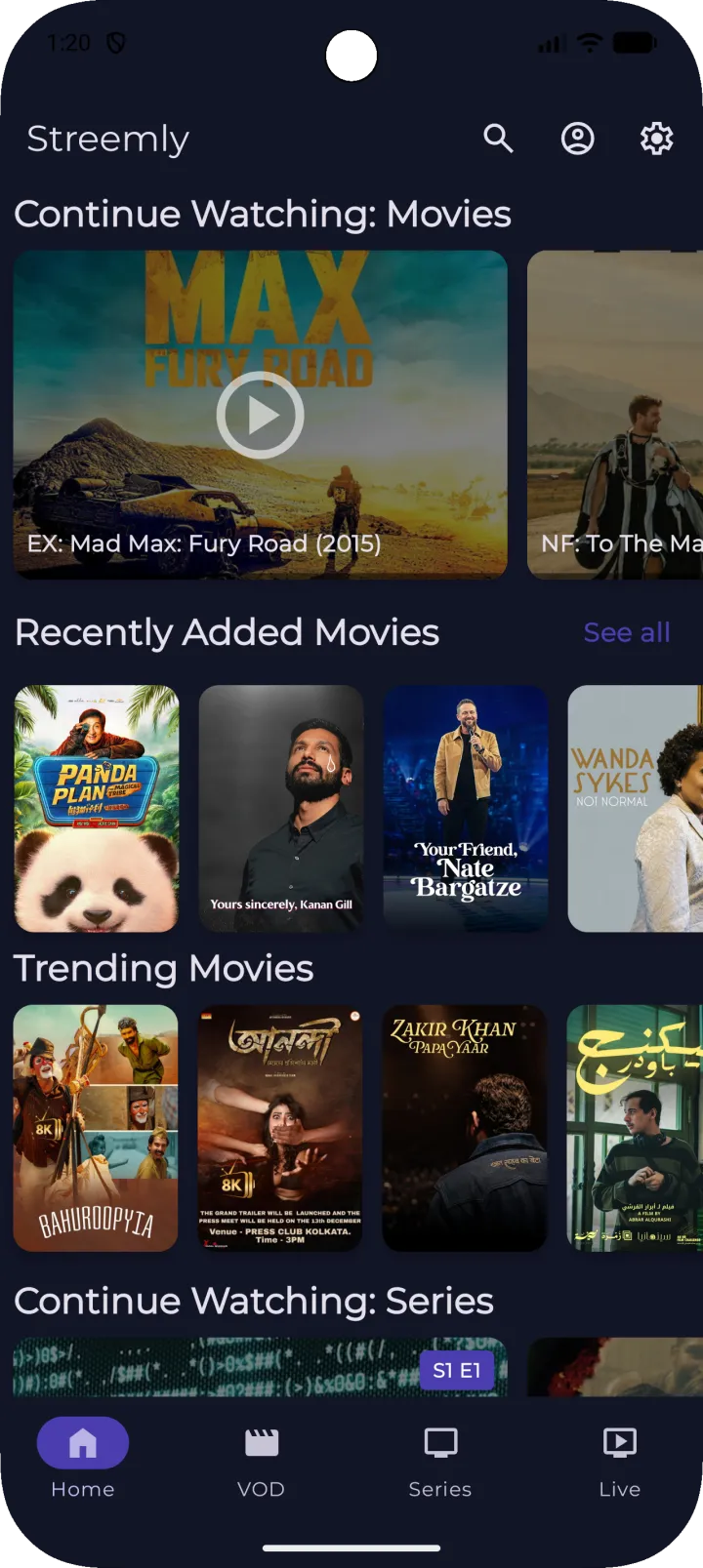
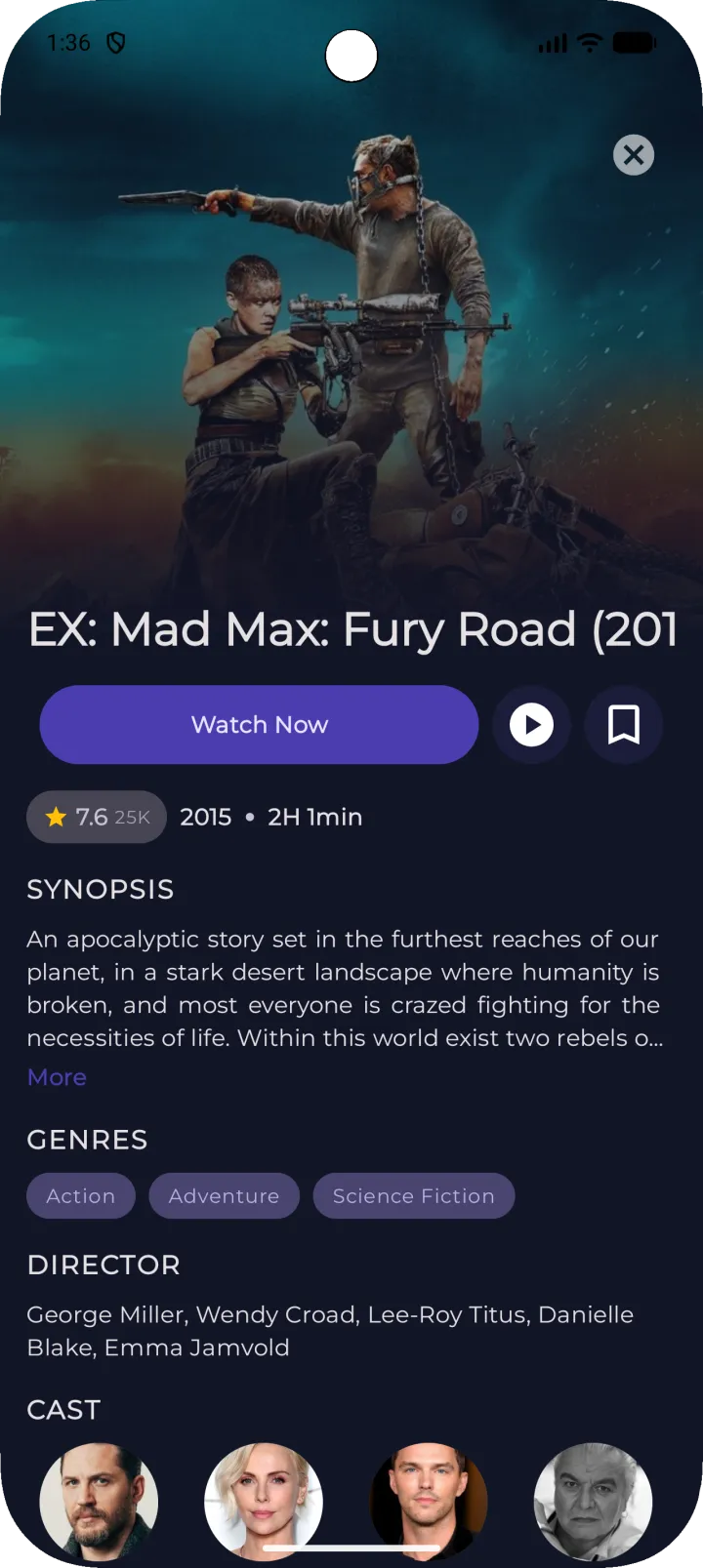
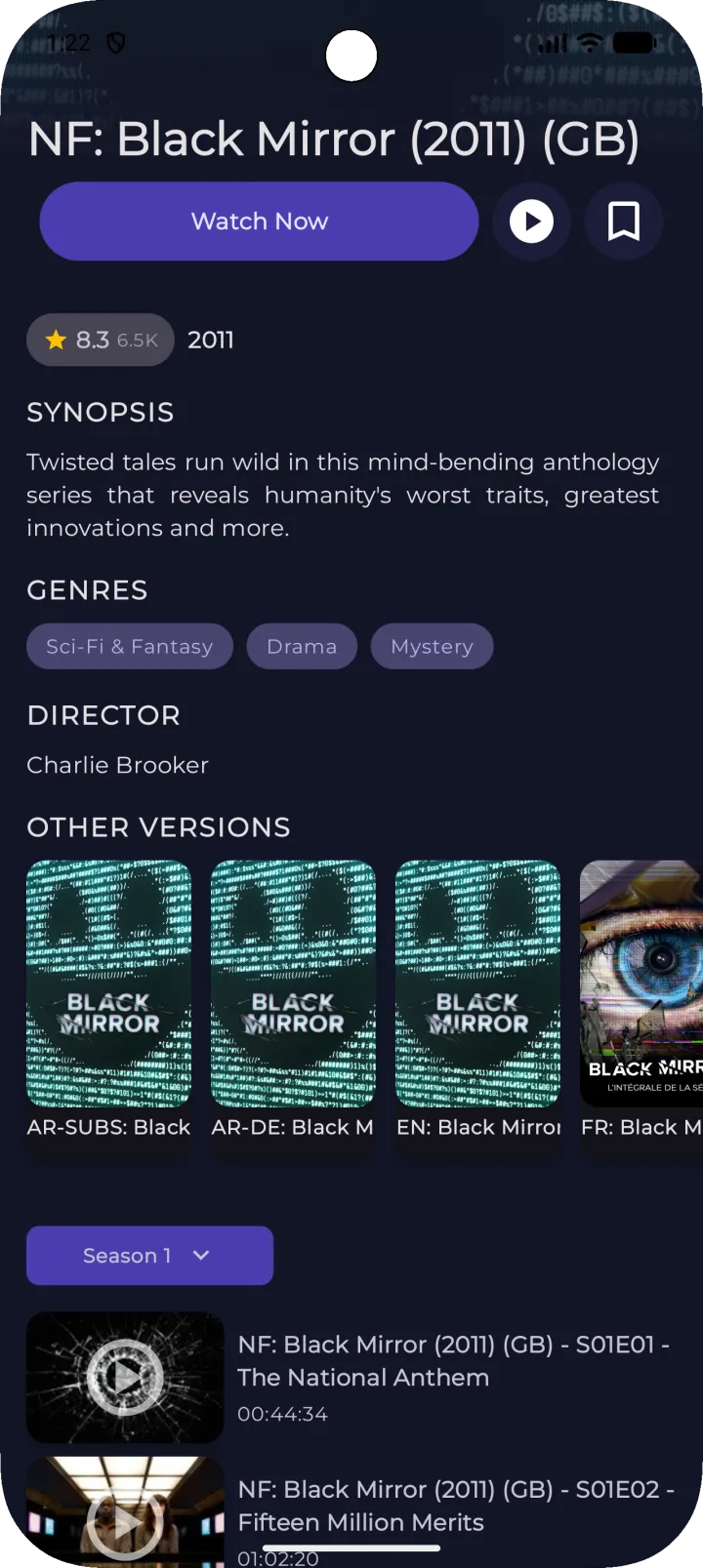
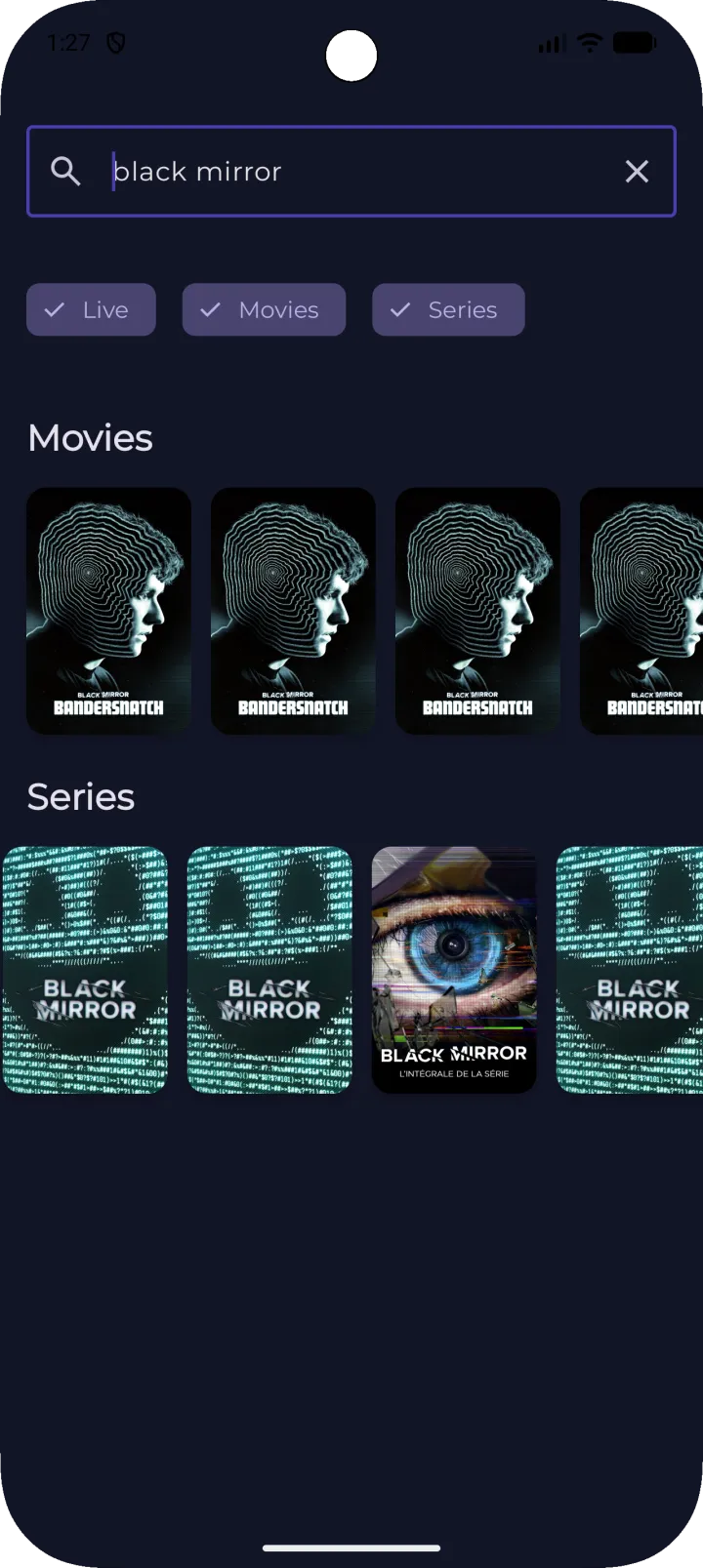
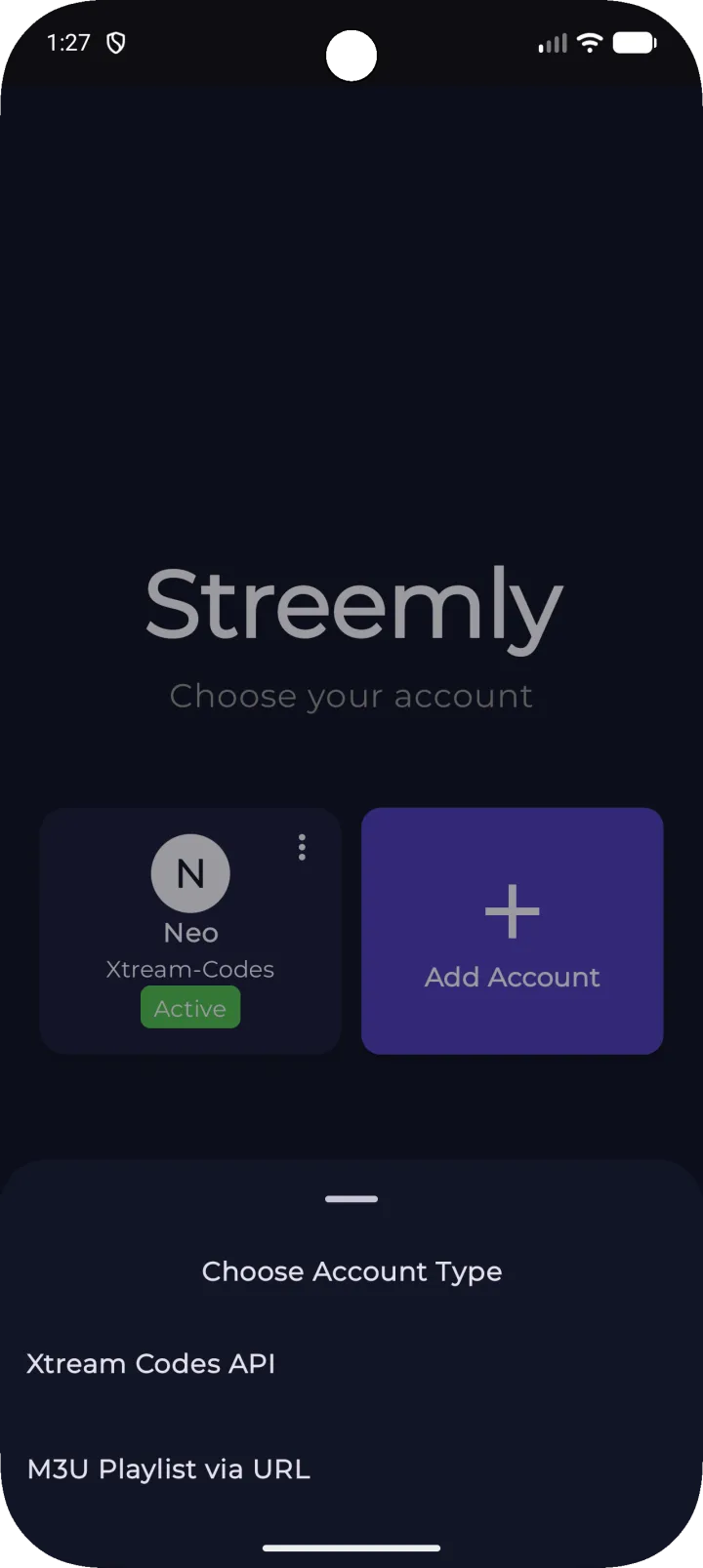
The same player drives live TV, movies and series on both apps — tuned for a thumb on the phone and for a remote on the TV.
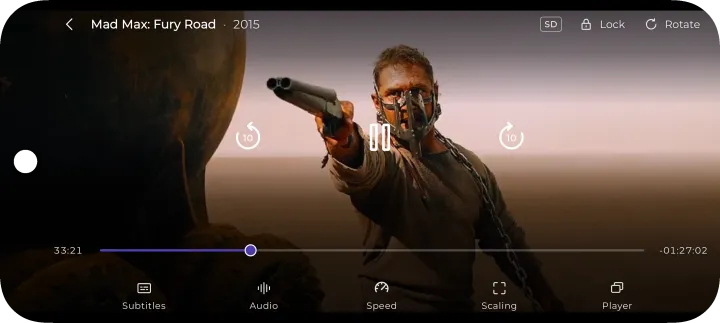
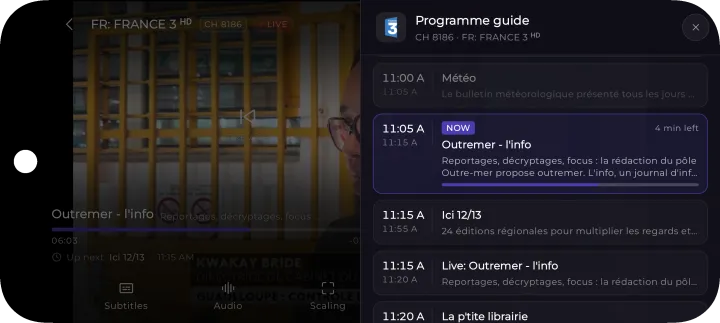
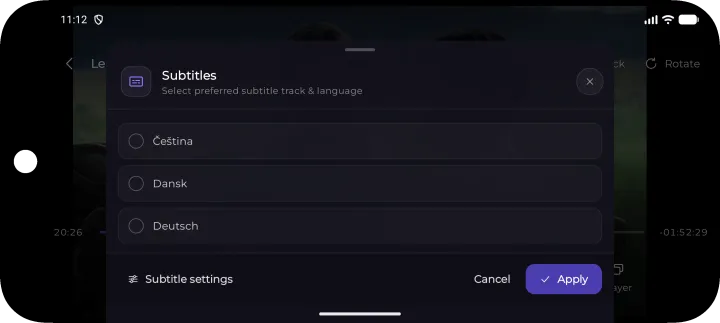
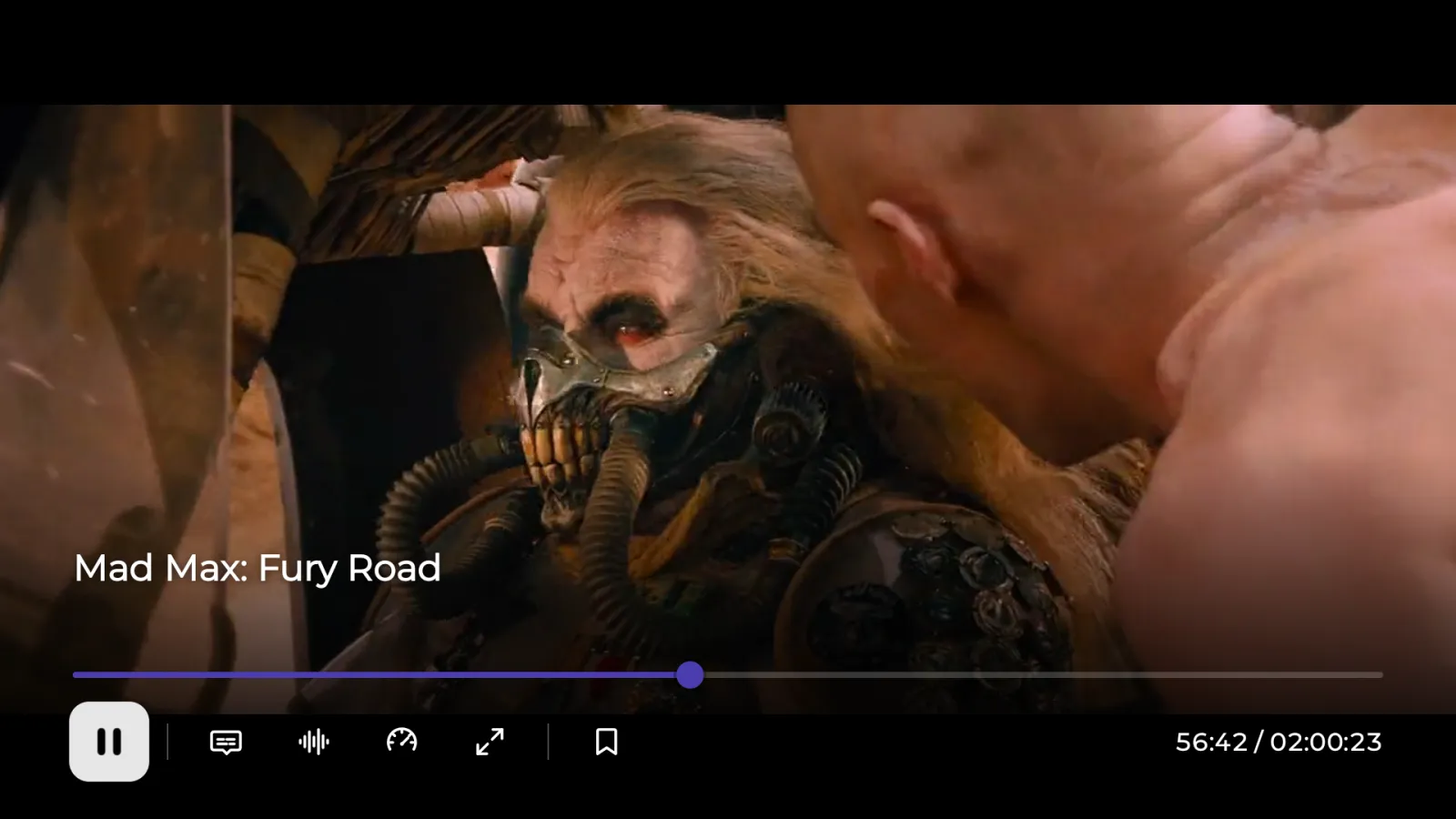
Tap once and the controls appear; leave them alone and they fade back out.
Built around the remote, so the D-pad always lands where you expect.
A dedicated TV app built for the couch and the remote. Install it from Google Play on your Android TV or Google TV device.
No. Streemly is a media player only. It doesn't provide, host or sell any content. You need your own subscription or playlist from an IPTV provider, and you're responsible for having the rights to what you watch.
Xtream Codes is the login most IPTV providers hand out: a server address, a username and a password. It gives Streemly your channels, movies, series and programme guide.
M3U is a playlist link (often ending in .m3u or .m3u8)
listing streams. Your provider will tell you which one you have.
Yes. Streemly is free to download and use, and it's supported by ads. Ads never play over the video you're watching.
Android phones and tablets, plus Android TV and Google TV devices, all from the same Google Play listing.
On your device. Streemly connects straight to your provider, and your sources, favorites and watch progress are kept locally in the app. See the privacy policy for details on analytics and ads.
First check that your subscription is active and the stream works elsewhere, since most playback problems come from the provider. You can also open the stream in an external player, or refresh the source under Settings → Manage IPTV Sources. Still stuck? Email us.
Write to guenoapps@gmail.com. Feedback and feature ideas are always welcome.

Get Streemly free on Google Play for your phone, tablet and Android TV.
Streemly is a media player only. It does not provide, host or promote any content. Use it only with sources you have the right to access.